
Pay electricity, water and TV bills from one wallet.
Settle ECG and Ghana Water bills, and renew StartimeTV, GOtv and DSTV subscriptions from the same PATUpaa wallet. Confirm the account name first, then pay in seconds.
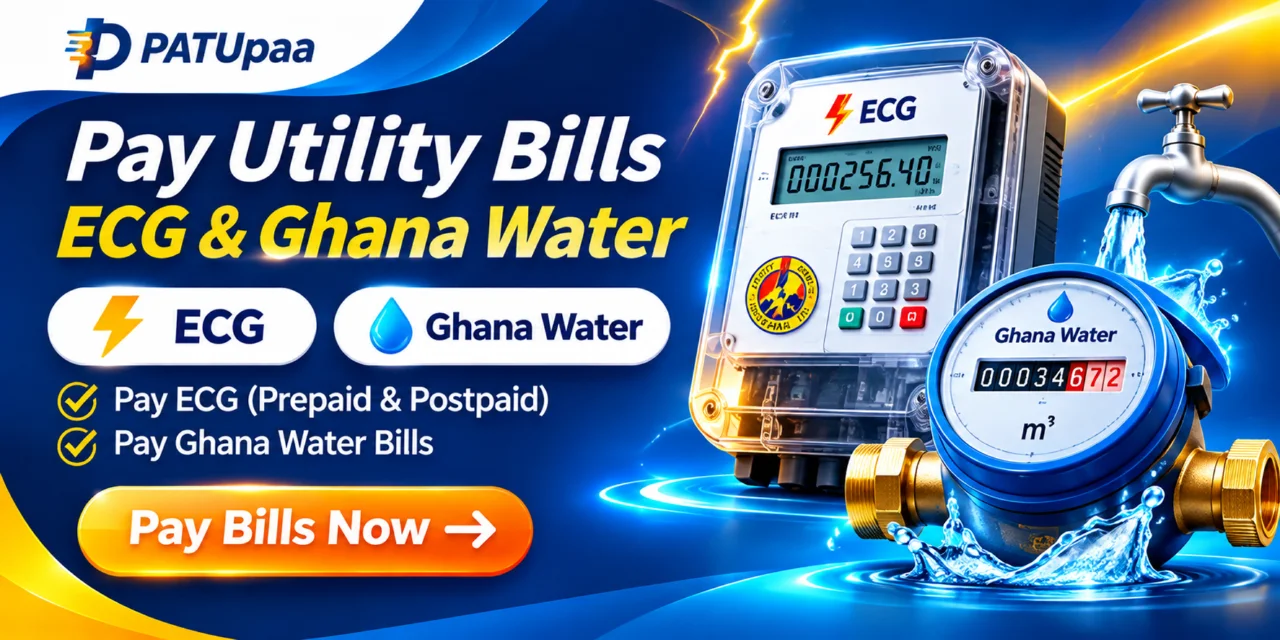
One place for every household bill.
Pay for your own account or someone else’s, keep every receipt in your account history, and avoid visiting separate vendors. Electricity and water account details are confirmed before payment, and TV renewals are checked against the smartcard or IUC number.
What you can pay
Pay ECG prepaid or postpaid bills. Enter the meter or account number, confirm the customer details, then pay.
Settle a Ghana Water bill from your wallet. Confirm the water account name and balance before paying.
Renew your StartimeTV subscription using the smartcard or IUC number.
Renew a GOtv subscription from your wallet using the IUC number.
Renew a DSTV subscription from your wallet using the smartcard number.
Pay from the same PATUpaa wallet you already use for data, airtime and subscriptions.
How it works
- 1Choose electricity, water or a TV subscription.
- 2Enter the meter, account or smartcard number and confirm the account name.
- 3Enter the amount and pay from your PATUpaa wallet.
- 4Open the receipt in your orders to see the confirmation.
Utility bill questions
Which bills can I pay?
ECG, Ghana Water, StartimeTV, GOtv and DSTV are available from your wallet.
Do I need to check the account name?
Yes. Confirm the account name shown before paying. Bill payments are final once the biller accepts them.
Where do I find my receipt?
Every payment is kept in Utilities History and on the order page. If the biller cannot complete a payment, the amount is returned to your wallet.
Can I pay for someone else?
Yes. Enter their meter, water account or smartcard number and confirm the account name before paying.